🏠 Smart Facility Management

Manage Your Apartment Society Effortlessly

One platform for the whole building — the resident's phone, the committee's books, and the gate house desk. Maintenance and dues, visitors and vehicles, complaints and work orders, notices and amenities: thirty-six modules, and you switch on the ones your society actually uses.

Committee & rolesTick what each role may run
Staff & attendanceRoster, duty and payroll

Charges & paymentsCollected into your own bank
Work ordersAllocated, done, signed off
Housekeeping roundsTicked off on the round

Built for everyone in the building

A society is not one job. The person paying their dues, the treasurer chasing them and the guard on the gate need different things — so they get different surfaces, over one set of records.

🏠

Residents

On the phone

Everything about your own flat, and nothing about anybody else's.

  • See what you owe and pay it online, or check a payment landed
  • Raise a complaint and follow it through to sign-off
  • Pre-register guests so the gate is expecting them
  • Book the clubhouse, read the noticeboard, vote in society polls
  • Read it in English, हिन्दी, తెలుగు, தமிழ், ಕನ್ನಡ or മലയാളം
📋

Committee & office

Phone or browser

Run the society without the spreadsheets, and without handing everyone the keys.

  • Raise the month's charges for every flat in one action
  • Record and reconcile payments; every one leaves a receipt
  • Allocate work orders and approve amenity requests
  • Publish notices, keep the minutes, run the ballot
  • Scope each role: the tick on a committee role is the permission
🛡️

Gate & operations

In the browser

A console for the people at a desk, because a guard types a plate faster than they tap one.

  • Log the visitor in and out; look up who a number plate belongs to
  • Mark the shift roster and raise a job on the spot
  • Take a payment at the counter and issue the receipt
  • Keeps reading when the connection drops — see below
What We Offer

Everything Your Society Needs

Forty-three modules, from the lift that needs servicing to the housie night on Saturday. Turn on the ones your society uses; the committee decides who runs each.

The Society

Who lives here, who runs it, and what it has decided.

Blocks, Units & Residents

The register of the place: blocks, flats and unit types, and who holds each one as owner, tenant or care taker. A flat can have several owners, and everything else hangs off this.

Core Module

Committee & Roles

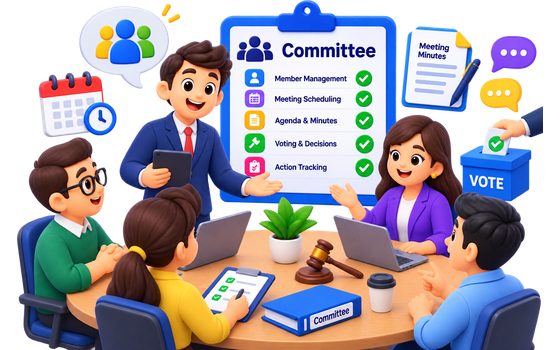
Define the committee and tick what each role may run — a treasurer who keeps the banks and the bills, a secretary who keeps the minutes. The tick is the permission.

Governance

Meetings & Documents

Notices, agendas, minutes and the society's bye-laws, kept where the flats can reach them. Guards and technicians work here; the society's papers stay with its members.

Governance

Noticeboard

Water off Tuesday, nine to one. A notice goes to the whole society, to owners, to tenants or to a single block, and arrives as a notification rather than sitting in a folder nobody opens. Every notice comes off the board on a date, so the board stays worth reading.

Society

Resident Directory

Reach a neighbour. Everybody is listed by name and flat — that much is already on the door — and a phone number appears only where its owner has chosen to publish it. Nobody can edit anybody else’s entry, and the gate house does not get the list.

Residents

Polls & Voting

Run a ballot and export the result. A flat's vote can only be cast by that flat's owner or tenant — checked on the server, not merely hidden in the app.

Community

Move-in & Handover

A move-out is a checklist with a person on the other end of it: dues cleared, the parking bay released, next month’s booking of the hall cancelled, the gate told. Its own responsibility, so a society can hand it to somebody it would not also trust to rewrite the register of flats.

Society

Operations & Maintenance

The work of keeping the building running, and a record of who did it.

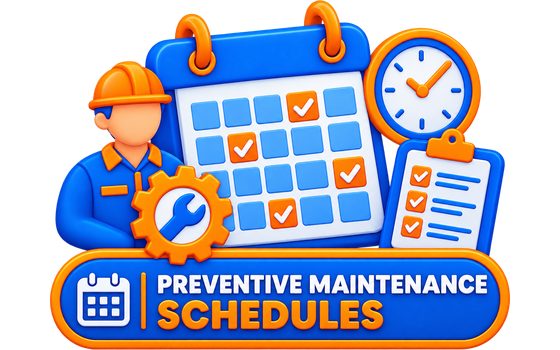
Preventive Maintenance

Set a schedule once — lift, pump, DG set — and SAC raises the work order when it falls due and rolls the next date forward. Nothing is raised twice while the last one is still open.

Automated

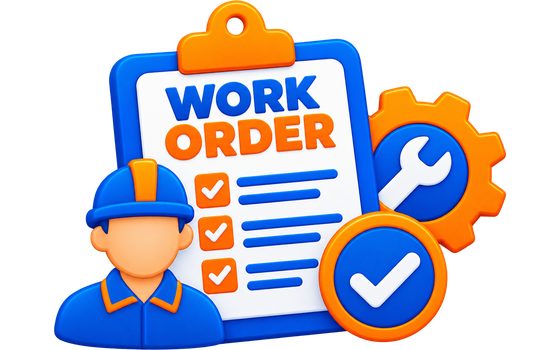
Work Orders & Allocation

Raise a job, allocate it to a technician or a committee member, track cost and status. A named reviewer signs it off and a manager finalises it — nobody reviews their own work.

Operations

Housekeeping Rounds

Build a checklist, assign the round, tick items off on the phone. Each run keeps its own copy of the list, so editing the template never rewrites a round already signed off.
Operations

QR Asset Register

Print a sticker for every pump, lift and panel. Scan it in the field to see open jobs, maintenance schedules and the live AMC — plus the full timeline of what the asset has been through.

Assets

My Work

For a technician or a housekeeper: the job, the round, the meter due and the escalation, as one list rather than five screens. Staff mark their own attendance from it.

Field staff

Vendors, Stock & Utilities

What you buy, what you hold, and what the building consumes.

Vendors & AMC

Contracted suppliers with GST and payment terms, and annual maintenance contracts that tell you they are expiring before they lapse. Renewal rolls the dates forward in one tap.

Procurement

Material Inventory

Receipts, issues, returns and adjustments in one ledger, each stamped with the balance that followed it. Stock cannot be issued below zero, and the ledger re-totals on demand.

Inventory

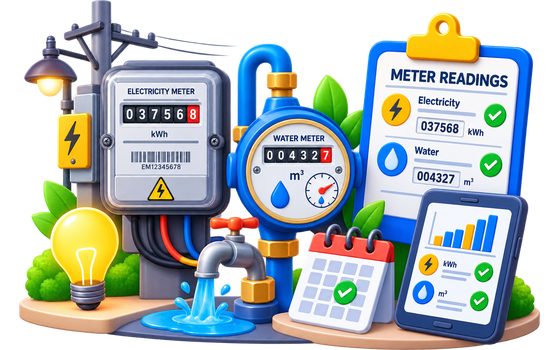
Meter Readings

Water, power and gas meters read on the walk-round. Consumption is worked out as the reading is entered and priced at that day's tariff, so correcting an old number never restates a bill already sent.

Utilities

IoT Devices & Alerts

Tank levels, pumps and sensors report on their own device key. Set the thresholds that matter and get an alert when one is crossed — or when a device simply stops reporting.

Automation

Security, Safety & Service Levels

The gate, the fire kit, and what happens when something is late.

Visitor Management

A gate register the guard actually keeps, with check-in and check-out. Residents expect a guest from the app and see the visitors logged against their own flat.

Security

Guard Attendance

Shift attendance marked at the post — a guard marks their own — with summaries for whoever signs the security bill at the end of the month.

Security

Parking & Vehicles

Whose car is this? The guard types the plate as it is painted on the bumper and the register matches however the resident typed it — TS 09 AB 1234 and ts09ab1234 are the same car. Bays are allotted to a flat or pinned to one vehicle, so “somebody is in my slot” has an answer.

Gate

Incident Register

A fire, an entrapment, a theft — recorded when it happened, not when someone got round to it. Anyone in the society can report one; the investigation, root cause and corrective job follow.

Safety

Fire Safety Compliance

Every extinguisher, hose and alarm with its refill and hydro-test dates. Inspections snapshot the kit, the inspector marks pass or fail, and a failure raises the work order on the spot.

Compliance

SLA Monitoring

Set response and resolution targets by category and priority. Work orders and complaints are both measured against them, so "we'll look at it" has a clock on it.

Service levels

Escalation Ladder

Define who hears about it after how many hours overdue — the assignee, then the committee, then the owner. Each level fires once, and anyone can escalate by hand.

Service levels

Complaints

Lodge, assign, resolve and close, with the resident who reported it kept in the loop. Whoever runs the complaints desk is a role of its own, separate from allocating technicians.

Residents

Utility Contacts

The plumber, the electrician, the lift company. Rated by the people who used them, and open to everybody working in the building.

Directory

Money

Dues in, bills out, and a paper trail for both.

Charges & Payments

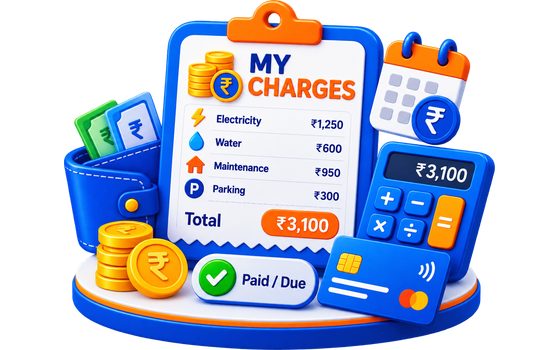
Recurring maintenance charges raised per flat, payments recorded against them, and a receipt PDF generated and emailed to the resident whose dues they are.

Finance

Online Payments

Residents pay their dues from the app by card or UPI. Each society uses its own payment account and its own bank, so the money lands where the society already banks — and a signed webhook, never the phone reporting success, is what settles a payment.

Finance

Bills & Vouchers

The society's own bills, part-paid or in full, each producing a payment voucher showing the total and what is still outstanding — the question a treasurer actually has.

Finance

Society Bank Accounts

The society's accounts kept where its money is recorded, so the treasurer who holds the banks is the same person the responsibility was handed to — not whoever happens to be an admin.

Finance

Rent & Tenancies

A tenancy per flat with rent, deposit and due day. What is owed is derived from the due dates that have passed, so an advance or a late payment still lands in the month it covers.

Landlords

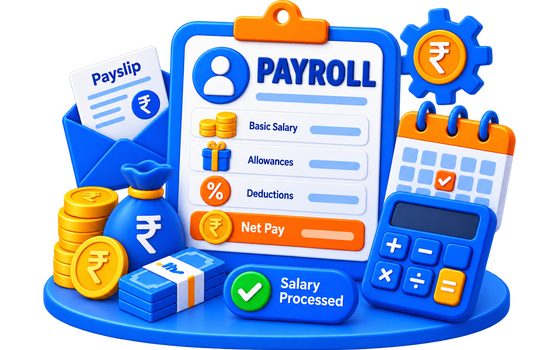
Attendance & Payroll

Ticking in the housekeepers, guards and technicians, then a payroll run computed from it — draft, approved, paid. Marking the register is ordinary committee work; approving what somebody is paid is deliberately not, and they are two separate rights.

HR

Staff Register

Who the society employs, with designation, department, salary and bank details. Kept apart from the pay run, because keeping the register is a standing job and a run happens once a month — and the money on it is visible to the owner, an admin, or somebody named to payroll and nobody else.

HR

Budget & Funds

Next year’s figures argued over at the AGM, and what has actually been spent against them. A responsibility of its own rather than one riding on the bank accounts — the plan and the place the money actually sits are two different things, and often two different people.

Finance

My Payments

A resident’s own ledger: what they have paid, the receipt for each payment, and what is still outstanding. Including the awkward case — money the gateway captured that never reached the charge. The app says so, tells them not to pay it twice, and gives them the reference to quote.

Residents

Oversight & Records

The screens that show you the whole building at once, and the record of what was done to it.

Needs Attention

One screen for what is wrong here that you are answerable for — unpaid dues, open complaints, overdue jobs, contracts lapsing, stock run out, visitors still inside from yesterday. Every group you do not run is narrowed to your own, so a resident’s version is short and a manager’s is the building’s.

Oversight

Approvals

Everything waiting on your signature, oldest first, across the five workflows that have one. Each row carries the endpoint that already owns the act, so this is a queue rather than a second place a bill can be approved from.

Oversight

Society Calendar

Six diaries in one: meetings, lift servicing, the clubhouse, fire checks, bill due dates and the housie night. Each entry is gated by the rule its own screen applies, so the calendar never shows somebody something they could not have opened anyway.

Oversight

Manager Dashboard

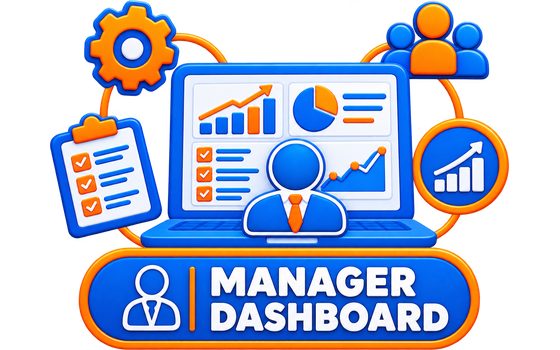
The whole facility in one screen — what is overdue, what is unpaid, what is waiting on a signature — with the server deciding what counts as red.

Insights

Analytics

Twelve months of collection rate, complaint closure time, spend by category, occupancy, visitors and maintenance load. A month in which nothing was billed has no collection rate and is drawn as a gap — nought would be a claim about the society rather than about the data.

Oversight

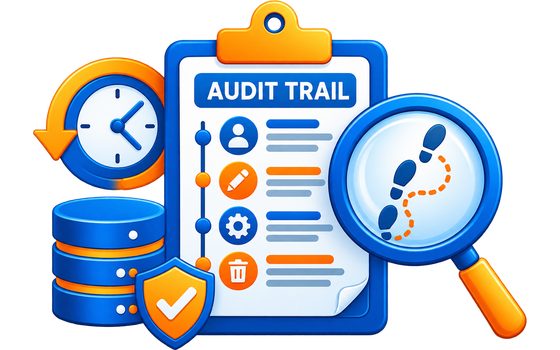
Audit Trail

Who did what to the society’s money, its accounts and its roles — written as part of the act rather than alongside it, and with no endpoint that can write to it at all. Account numbers and gateway secrets are dropped by name before anything is stored.

Records

Community & Games

Booking the shared spaces, the Saturday housie, and money between neighbours rather than the society’s.

Tambola Game Nights

Housie for the whole society or for eight friends. Tickets are cut when the game is created, the server draws the numbers, and every claim is checked against the call log — not against what a player marked.

Games

Amenity Booking

The clubhouse, the gym slot, the guest room. The gym takes fifteen at a time in hourly slots and needs nobody’s permission; the hall takes one party and the committee says yes. A pending request holds the slot, so two families are never both promised Saturday.

Amenities

Split Bills

Flatmates, a trip, a party. One net figure per person rather than a matrix of who owes whom, and a suggested set of payments when everyone wants to square up.

Community

Not sure which of these your society needs? Tell us how you run the place and we'll show you the ones that fit.

The details that decide it

Any system can list features. These are the ones a committee notices in the second month.

01

Your money, your bank, your gateway

Each society collects into its own account through its own payment gateway — nothing pools anywhere in between. Credentials are encrypted at rest and never sent back to any device. Every payment leaves a receipt, and anything the gateway took that the books missed is flagged for you to apply.

02

Works where the signal doesn't

The gate house is usually the part of the building with the least reception. The visitor register and the screens around it keep opening from a saved copy — stamped with the time it was taken, never dressed up as live, because a guard acting on a stale list is worse than one seeing an error.

03

Six languages, and Indian numbers
English, हिन्दी, తెలుగు, தமிழ், ಕನ್ನಡ and മലയാളം, chosen per person rather than per building — one handset per household is normal. Amounts are grouped the way they are read here: ₹1,23,456, not ₹123,456.

04

Permissions shaped like a real committee

Not "admin or not". Thirty-two areas a role can be handed: a treasurer who keeps the banks and the bills, a secretary who keeps the minutes, a guard who keeps the register and nothing else. Salaries and gateway credentials stay with the owner, whatever else is ticked.

05

Nothing is written down twice

The register of flats and who lives in them is the one source. Charges, rent, parking bays, the resident directory and the ballot all read from it — so there is no second list to fall out of step, and no month spent working out which one is right.

06

A record, not just a screen

Work orders, housekeeping rounds and complaints carry a review and sign-off trail, and payments keep every outcome — including the failures. When somebody asks in March what happened in October, there is an answer.

Up and Running in 4 Simple Steps

No complex setup. No training required. Your society can go live within a day.

1

Register Your Society

Create your facility profile with blocks, units, and society details. We handle the onboarding.

2

Invite Residents

Send invites to flat owners and tenants. They download the SAC app and join their unit.

3

Configure Services

Set up charge schedules, assign committee roles, and enable the modules your society needs.

4

Go Live

Start managing visitors, collecting dues, and resolving complaints — all from one app.

Let's Talk About Your Society

Whether you're a small gated community or a large township, we'd love to show you how SAC can simplify your management.

📧
Email Us
smartapartmentcare@yahoo.com
📞
Call / WhatsApp
+91 93903 43033
🕐
Support Hours
Mon – Sat, 9 AM – 7 PM IST

Send Us a Message

✅ Thank you! We'll get back to you within 24 hours.

How Can We Help You?

Browse common questions or reach out to our support team. We're here to make sure your experience is seamless.

📱

Mobile App Guide

Setup, navigation, and feature walkthrough for residents and admins.

💳

Billing & Payments

How charges are calculated, payment methods, and receipt downloads.

🔒

Account & Security

Password resets, role permissions, and data privacy settings.

🛠️

Technical Issues

Troubleshoot connectivity, login errors, and notification problems.

SAC supports societies of all sizes — from a 10-unit building to townships with 2000+ units across multiple blocks. Plans scale with your requirements.
Yes! The SAC mobile app is available for Android. Residents can raise complaints, view notices, pay dues, approve visitor entry, and more — directly from their phones.
Yes — English, हिन्दी, తెలుగు, தமிழ், ಕನ್ನಡ and മലയാളം. The app follows your phone’s language by default, so a resident whose handset is already in Telugu needs to change nothing, and any of the six can be picked from the profile screen. Amounts are shown the way India reads them — ₹1,23,456 rather than ₹123,456.
Yes, and it follows your phone by default. It matters most for the people who use the app after dark — a guard coming on at ten at night should not be handed the one screen on the shift that is still glowing white. It can also be pinned to light or dark whatever the phone says.
Security staff log visitor details and capture a photo at entry. The resident receives a real-time notification to approve or decline. All logs are searchable and exportable for audits.
Yes. We provide CSV templates for bulk importing units, blocks, and resident information. Our onboarding team assists with migration to ensure a smooth transition.
Residents can pay via UPI, net banking, debit/credit cards, or offline cash. Each society connects its own payment account, so collections settle into the society’s own bank rather than passing through us. All payments are recorded automatically and receipts are generated and sent by push notification and email.
All data is encrypted in transit (HTTPS) and at rest. We follow data isolation practices so each society can only access their own data. Regular backups are maintained with 99.9% uptime SLA.
On the login screen, tap "Forgot Password" and enter your registered mobile number or email. You'll receive an OTP to verify your identity and set a new password.
For urgent issues, reach us on WhatsApp at +91 93903 43033 (Mon–Sat, 9 AM–7 PM IST). You can also email smartapartmentcare@yahoo.com and we'll respond within 4 business hours.